Find and Participate
Find a Meeting#
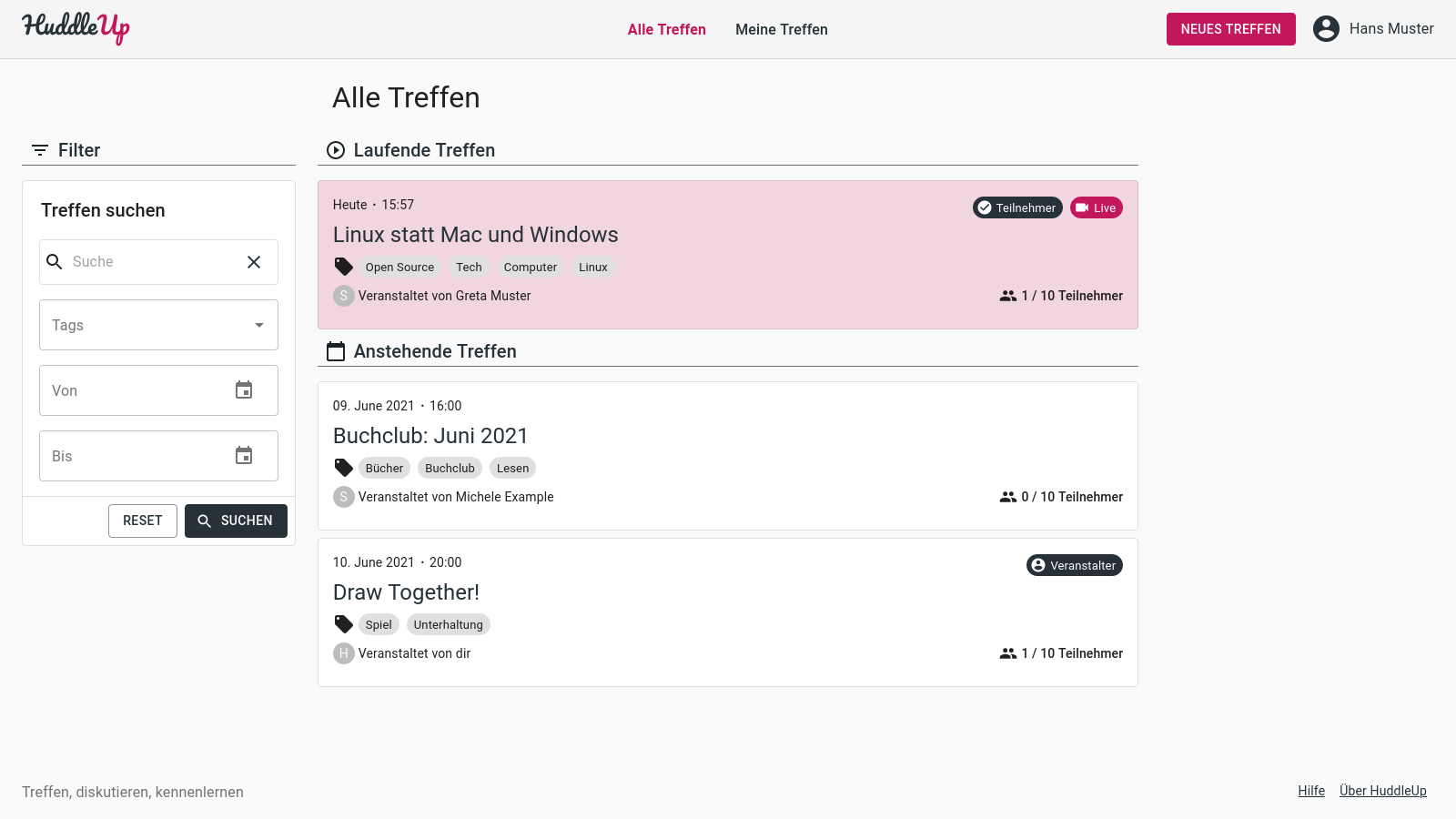
After registration you will see a list of already running and upcoming meetings. To find meetings, you can use the search form next to it. Use tags to search for meetings associated with a certain topic.
Participate in a Meeting#
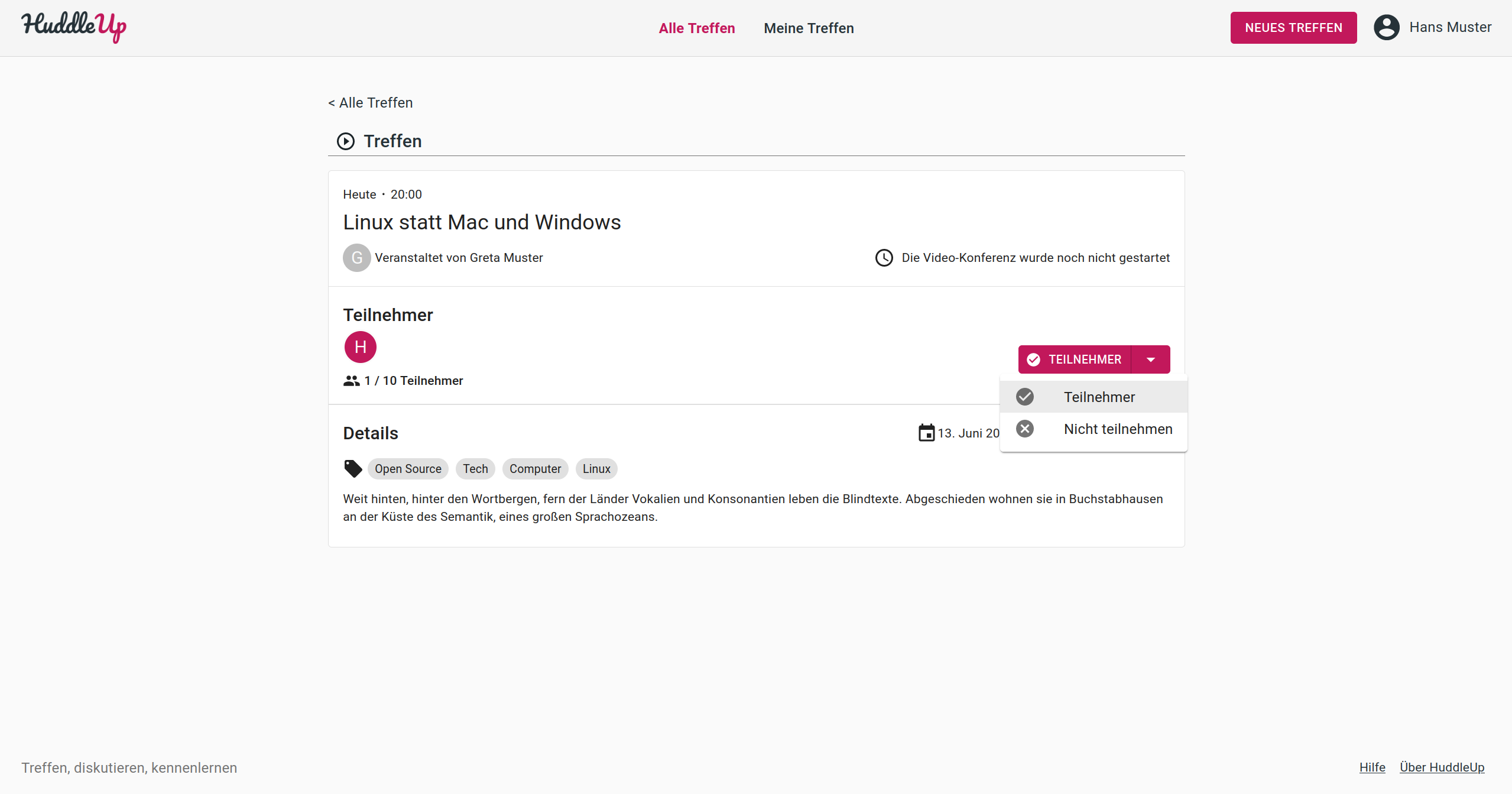
If you've found a meeting that you want to participate in, click on "Participate". You cannot participate in a meeting that has already reached its participant limit, or has already been completed. If you do not want to participate anymore, click on "Participating" and select "Do not participate".
Join a Running Meeting#
As soon as the meeting has been started by the host, a "Join Video Conference"-Button will be visible. Click on it to join the video conference and start meeting!